
주요 테이크 아웃 Elementor 의 포트폴리오 위젯은 Pro 목록에 있습니다. 게시물이나 사용자 정의 게시물 유형에서 가져 와서 분류학 용어로 필터 탭을 빌드합니다. 무료 Elementor 설치에서 동일한 그리드를 손으로 빌드 할 수 있으며 각 프로젝트는 위젯 쿼리를 게시하는 것이 아니라 채우는 항목입니다. 그만큼 ...
- ‹ 이전 게시물
- 1 X 1000 X 1000 X 1000 X 1000 X 1000 X 1000 X 1000 X 1000 X 1000 X 1000 X 100 X 100 X 100 X 100 X 100 X
- …
- 5 X 1000 X 1000 X 1000 X 100 X 50 X 50 X 50 X 50 X 50 X 50 X 50 X 50 X 50 X 50 X 50 X 50 X 50 X 5
- 6 X 1000 X 1000 X 1000 X 100 X 60 X 60 X 60 X 60 X 60 X 60 X 60 X 60 X 60 X 60 X 60 X 60 X 60 X 60 X
- 7 X 1000 X 10
- 8 X 1000 X 1000 X 1000 X 1000 X 1000 X 100 X 80 X 80 X 80 X 80 X 80
- 9 X 1000 X 1000 X 1000 X 1000 X 100 X 100 X 100 X 100 X 100 X 100 X
- …
- 144
- 다음글 ›
- ‹ 이전 게시물
- 1 X 1000 X 1000 X 1000 X 1000 X 1000 X 1000 X 1000 X 1000 X 1000 X 1000 X 100 X 100 X 100 X 100 X 100 X
- …
- 5 X 1000 X 1000 X 1000 X 100 X 50 X 50 X 50 X 50 X 50 X 50 X 50 X 50 X 50 X 50 X 50 X 50 X 50 X 5
- 6 X 1000 X 1000 X 1000 X 100 X 60 X 60 X 60 X 60 X 60 X 60 X 60 X 60 X 60 X 60 X 60 X 60 X 60 X 60 X
- 7 X 1000 X 10
- 8 X 1000 X 1000 X 1000 X 1000 X 1000 X 100 X 80 X 80 X 80 X 80 X 80
- 9 X 1000 X 1000 X 1000 X 1000 X 100 X 100 X 100 X 100 X 100 X 100 X
- …
- 72
- 다음글 ›
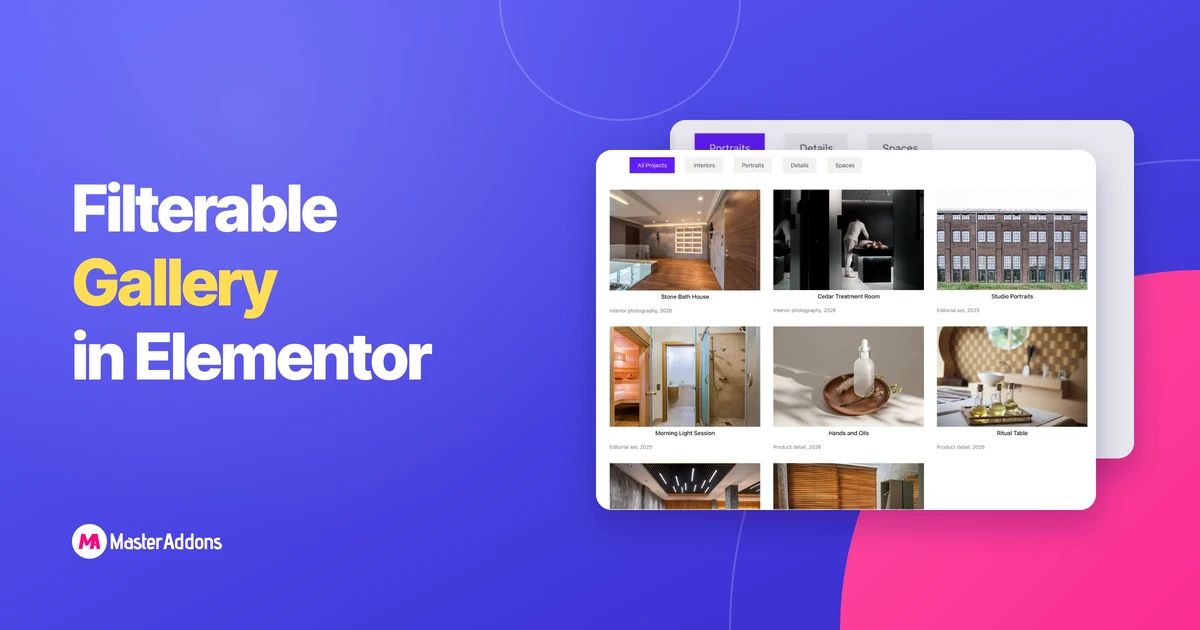
Key Takeaways Elementor 의 무료 이미지 갤러리 위젯에는 필터 바가 없습니다. 제어 목록은 이미지,열, 간격,캡션, 링크 및 라이트 박스입니다. 두 가지 경로가 카테고리를 제공합니다
더 읽어보세요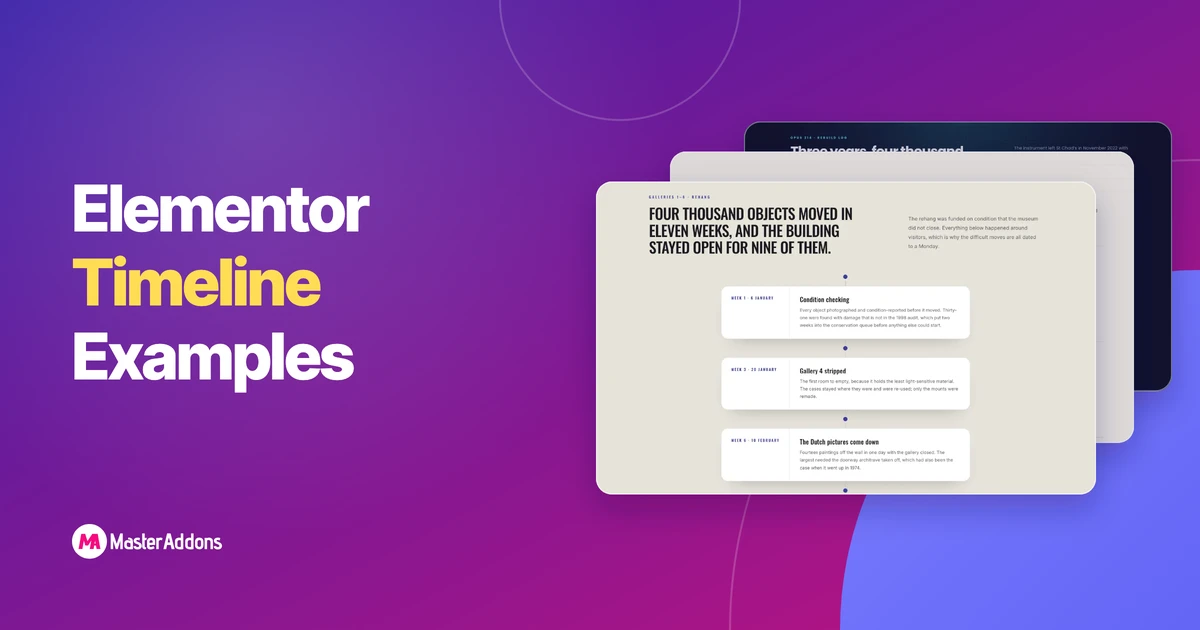
주요 시사점 이 8가지 Elementor 타임라인 예제는 모두 하나의 위젯인 Master Addons 타임라인 위젯으로 제작되었으며 각 위젯에는 라이브 데모 페이지가 있습니다
더 읽어보세요
주요 시사점 Elementor 게시물 타임라인은 게시된 블로그 게시물을 날짜 순서에 따라 수직선을 따라 배치하고 새 블로그가 나올 때마다 자체적으로 업데이트됩니다
더 읽어보세요

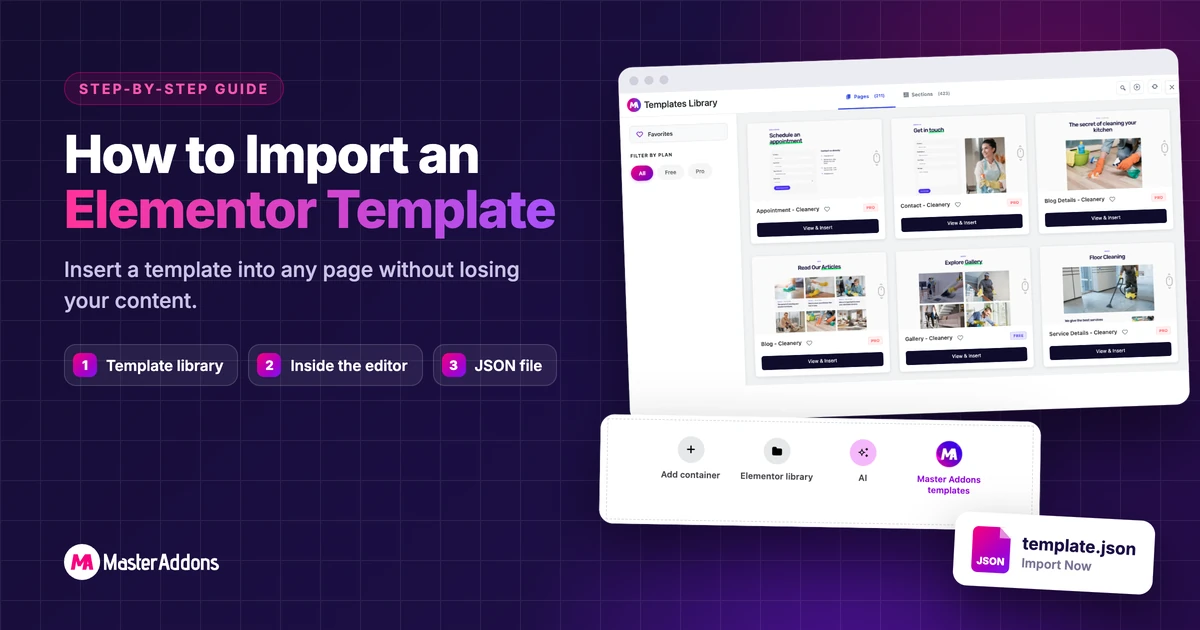

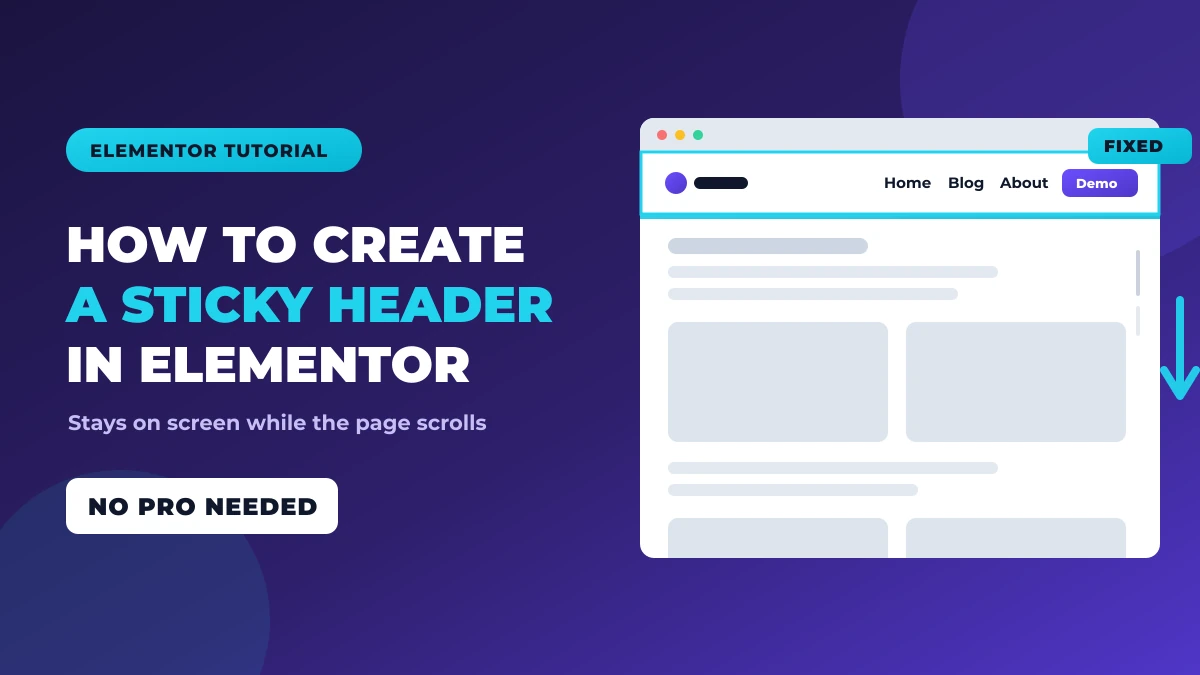
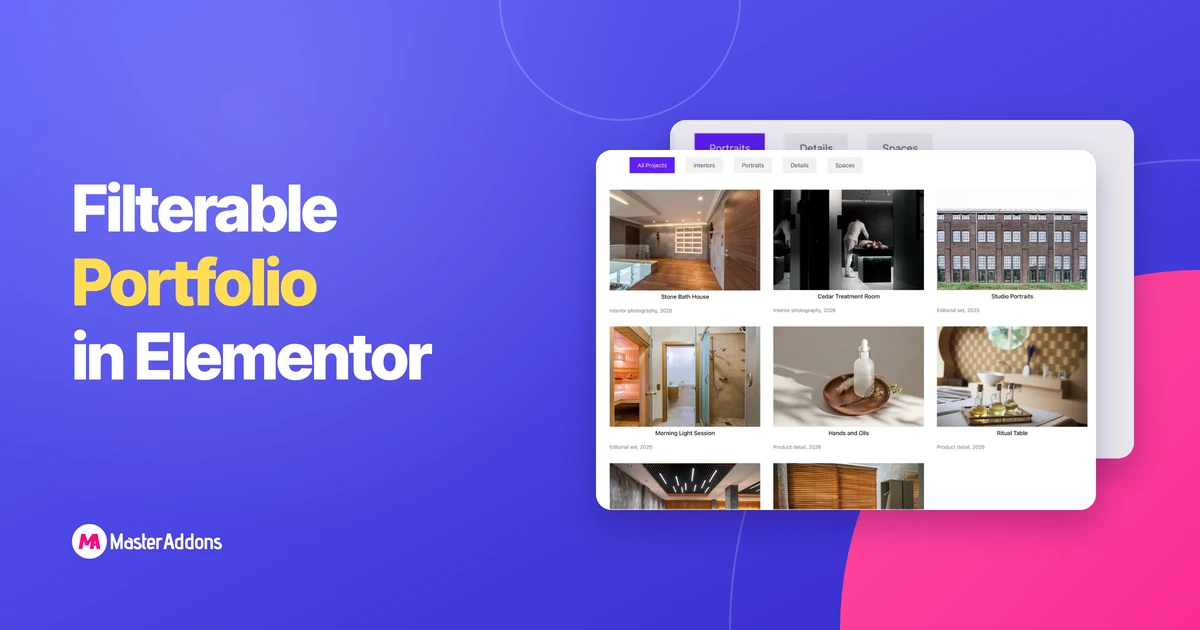
Key Takeaways Elementor 의 포트폴리오 위젯이 Pro 목록에 있습니다. 그것은
더 읽어보세요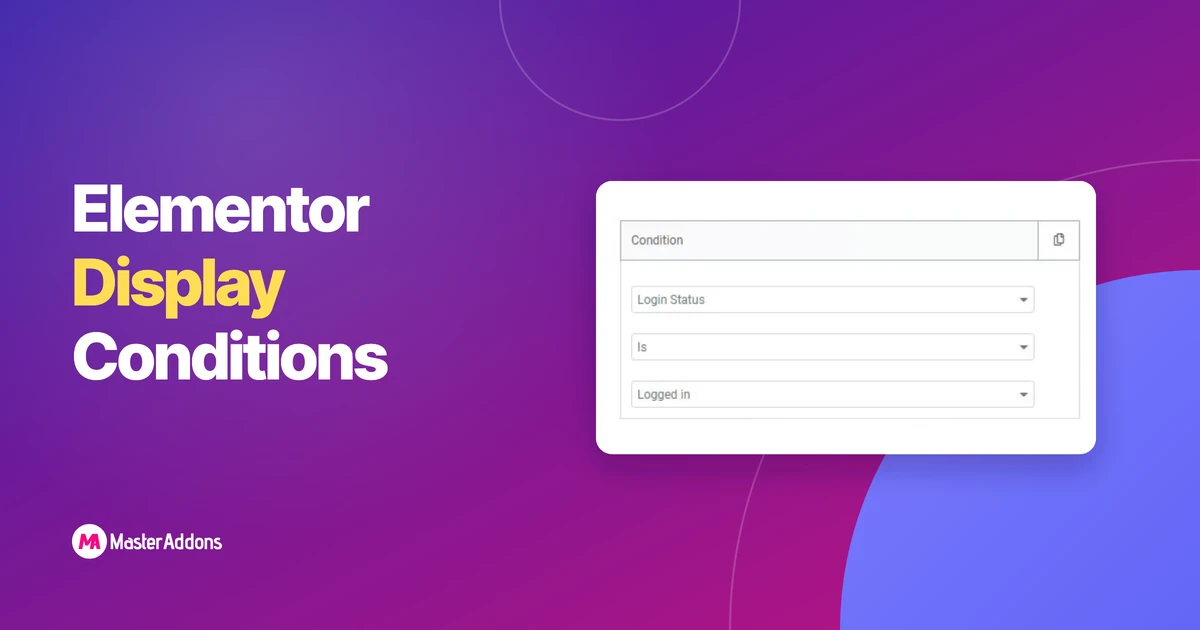
Elementor의 표시 조건은 무엇입니까? Elementor Free vs Elementor ProThe
더 읽어보세요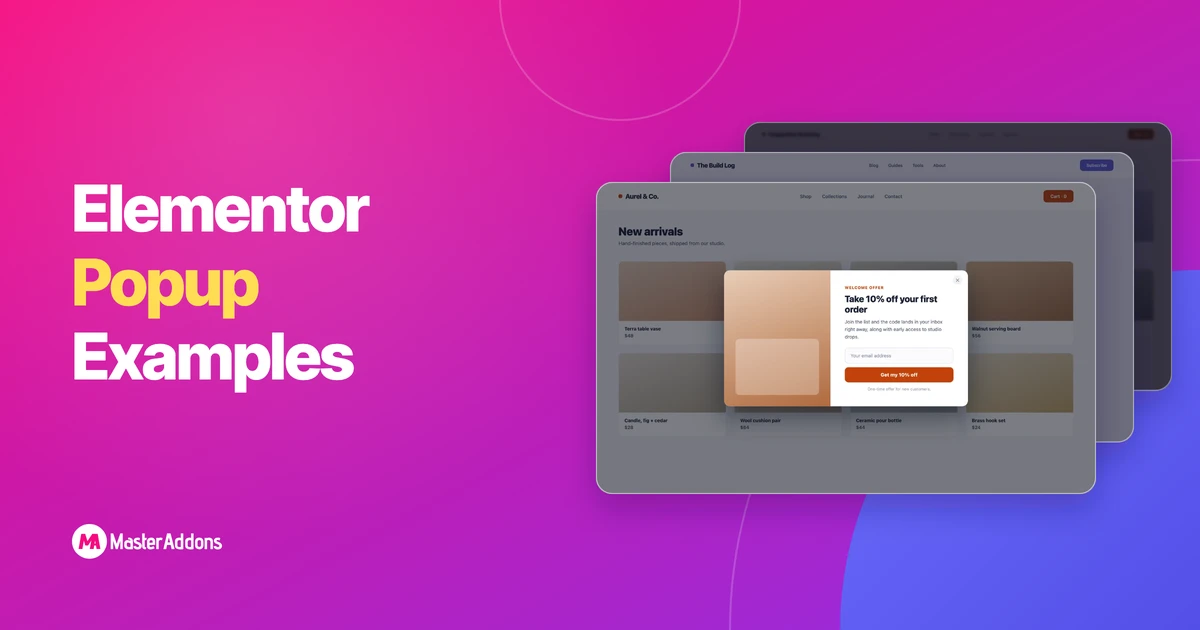
최고의 Elementor 팝업 예제는 세 가지 특성을 공유합니다: 하나는 분명합니다
더 읽어보세요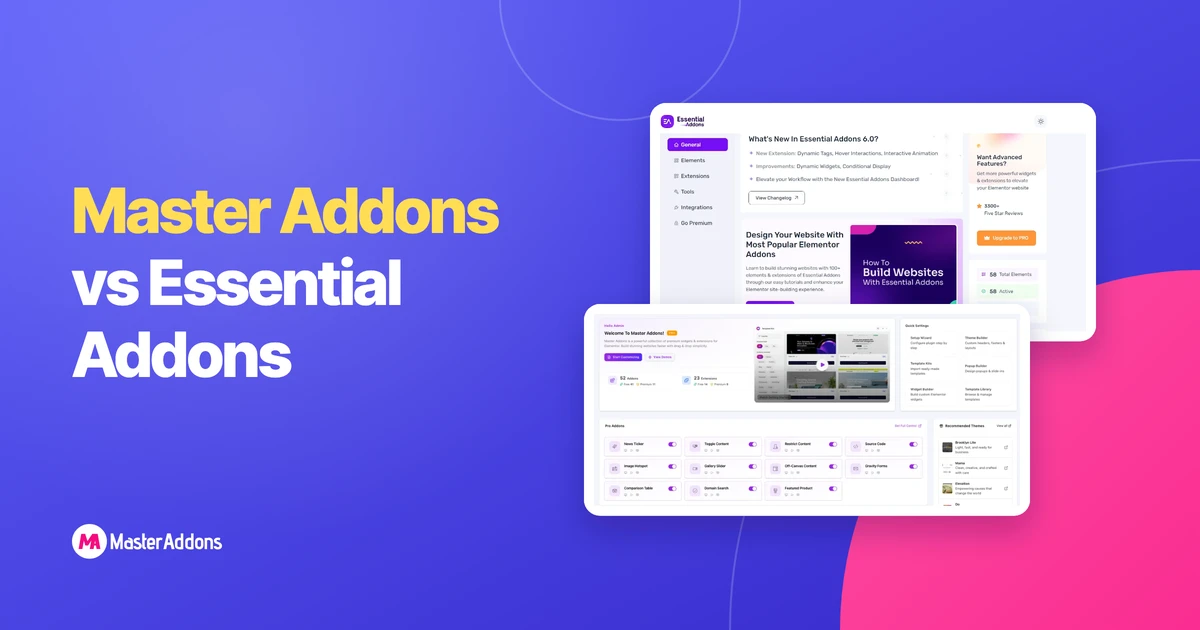
Key Takeaways Master Addon과 Essential Addon은 모두 Elementor 애드온입니다
더 읽어보세요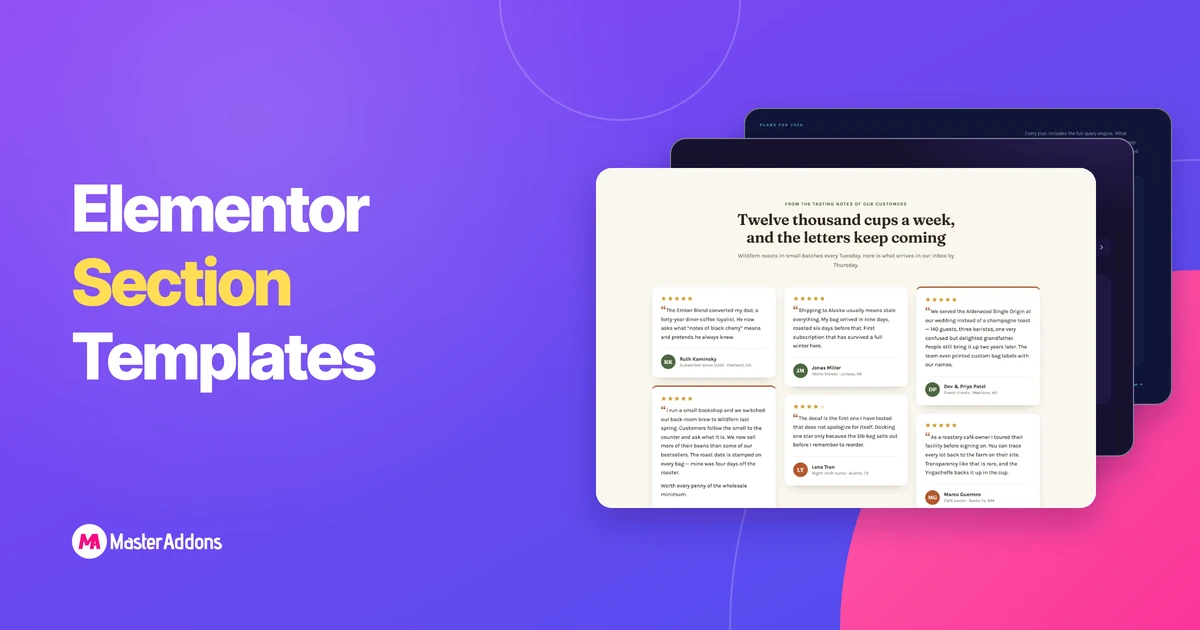
주요 시사점 이 페이지에는 32개의 Elementor 섹션 템플릿이 구축되어 있습니다
더 읽어보세요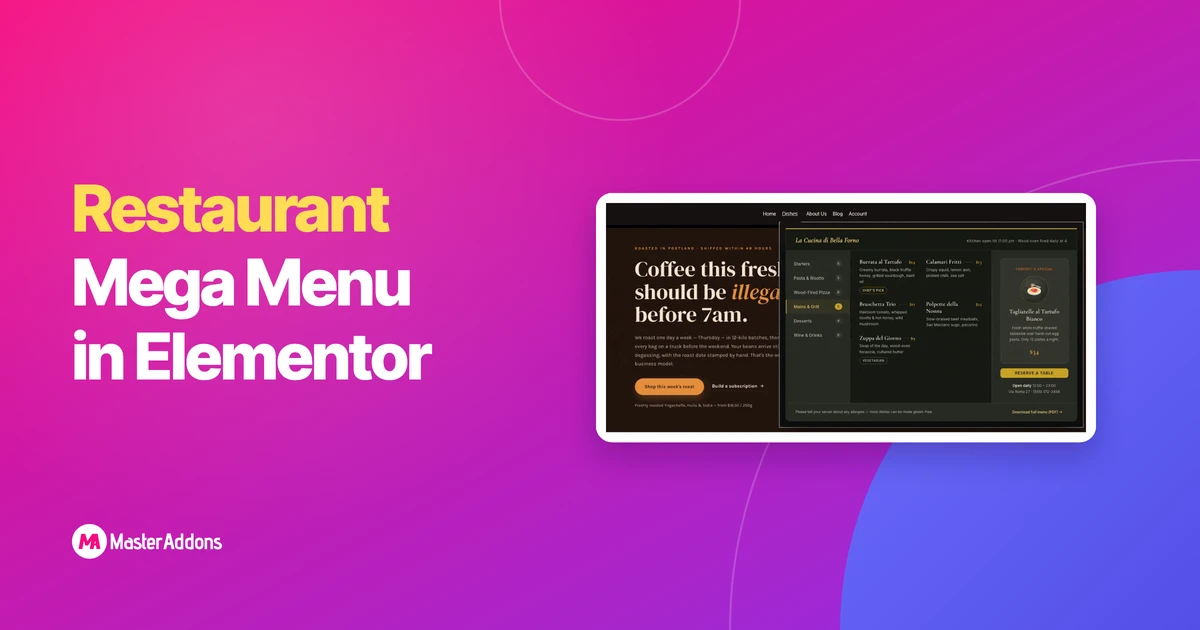
레스토랑 메가 메뉴에는 Elementor가 필요한 것이 포함되어 있습니다
더 읽어보세요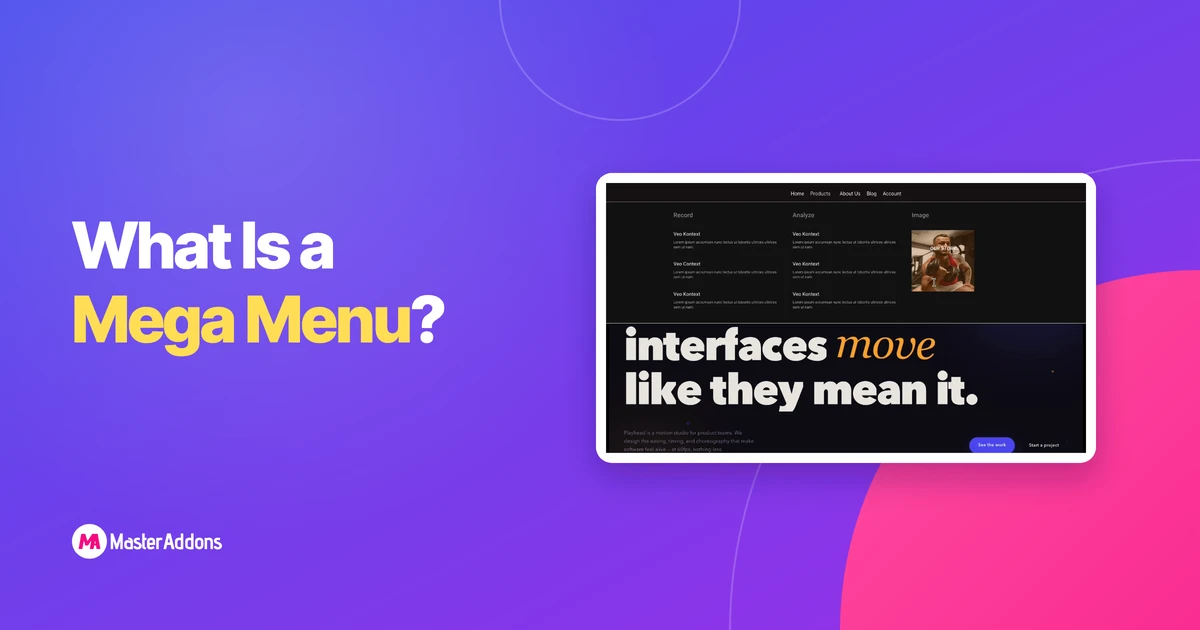
메가 메뉴란 무엇입니까?메가 메뉴는 어떻게 다른가요
더 읽어보세요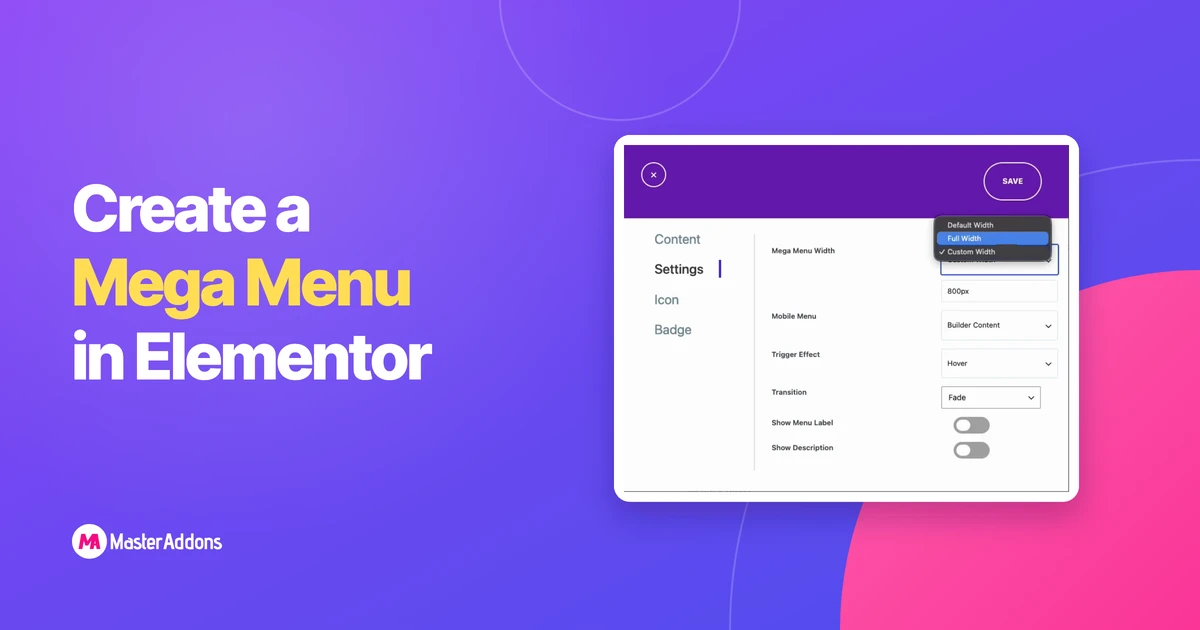
메가 메뉴에 Elementor Pro가 필요합니까?당신은 무엇입니까
더 읽어보세요
Elementor 내부에서 전체 GSAP 애니메이션을 실행할 수 있습니다. Split-text 는,,
더 읽어보세요