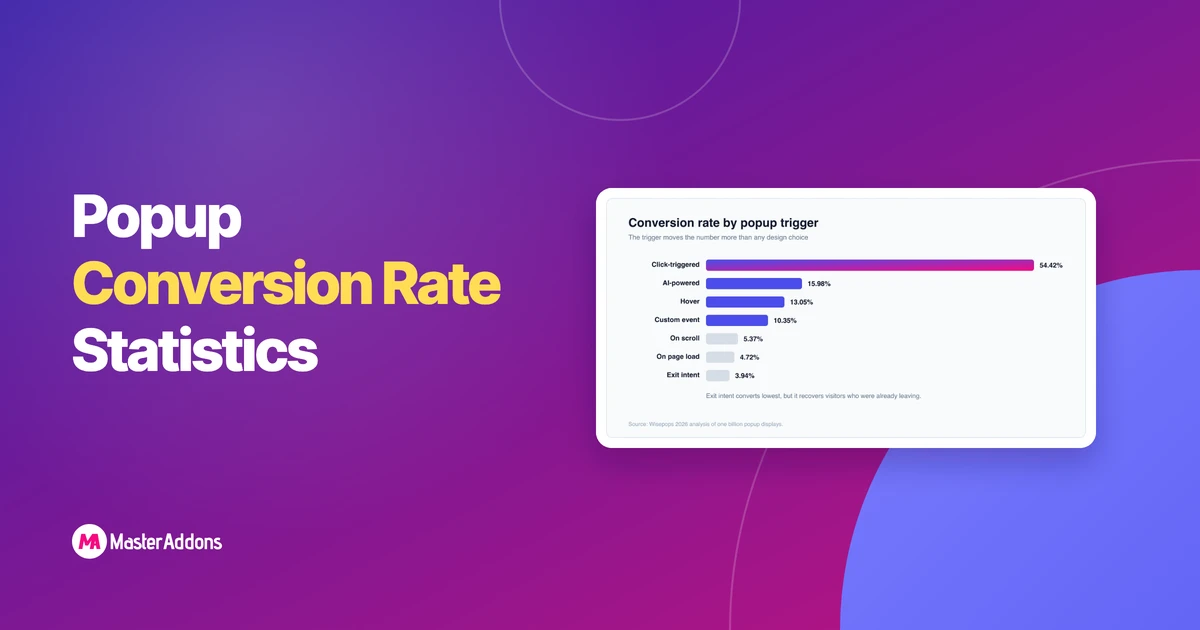
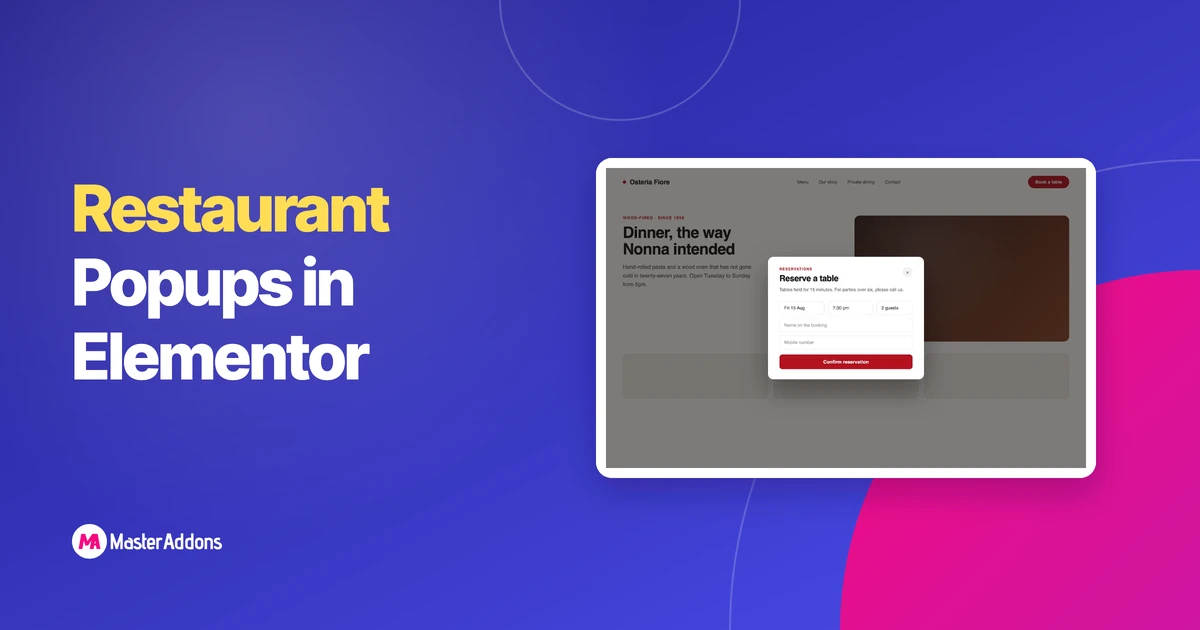
The best Elementor popup examples share three traits: one clear offer, a trigger that matches what the visitor is doing, and targeting that shows the popup only where it belongs. Get those three right and a popup converts around 4–5% of visitors; get the placement and trigger right and Wisepops data shows some formats reach …
What You'll Need Before You StartStep 1: Enable the Image Comparison WidgetStep 2: Add the Widget to Your PageStep 3: Upload Your Before and After
Read MoreWhat a Restaurant Mega Menu Should ContainDo You Need Elementor Pro for This?What You NeedStep 1: Enable the Mega Menu ExtensionStep 2: Structure the WordPress
Read MoreDo You Need Elementor Pro for a Mega Menu?What You Need Before You StartStep 1: Enable the Mega Menu ExtensionStep 2: Turn a Menu Item
Read MoreYou can run full GSAP animation inside Elementor. Split-text reveals, pinned horizontal scroll, scroll-scrubbed parallax, counters, all of it, with no plugin development and no
Read MoreMost free Elementor hero section templates have the same problem: you import a JSON file, get a frozen layout, and then spend an hour clicking
Read MoreThe best Elementor popup examples share three traits: one clear
Read MoreThis update was long overdue. Many of you reported issues
Read MoreDesigning your own page layouts in WordPress can be challenging
Read MoreWe, the Master Addons team, are always striving to make
Read MoreStatic side-by-side images don't do your work justice. A photo
Read MoreLast updated: June 28, 2026 — written by Roy, Master
Read MoreWe’ve listened to you and made the Header & Footer
Read MoreThe theme is the one decision you can't easily walk
Read MoreLast updated: June 29, 2026 — written by Roy, Master
Read More